PS2 ISO: Game Files Explained — Formats, Dumping and Playing
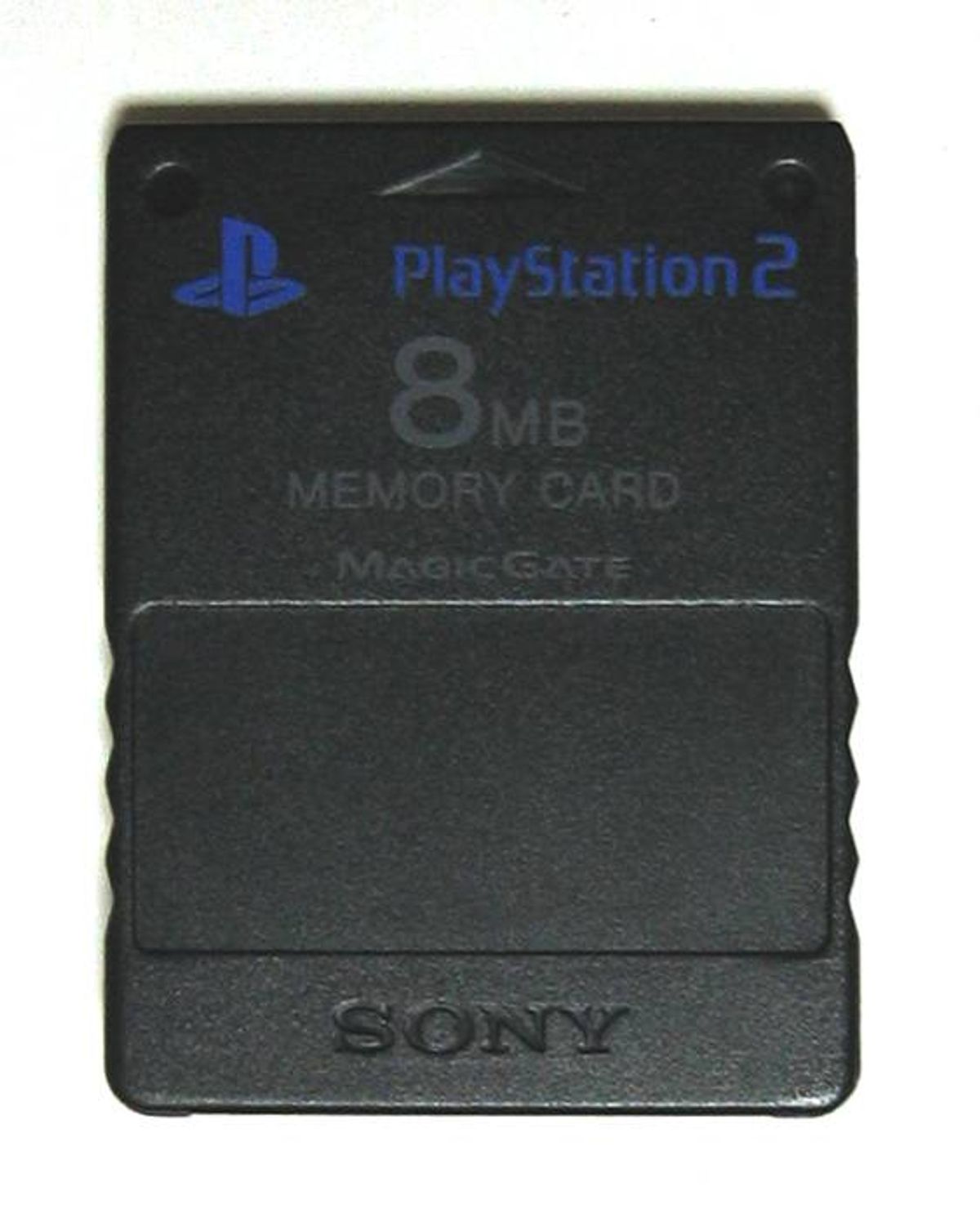
A "PS2 ISO" is a disc image — a bit-for-bit copy of a PlayStation 2 game disc stored as a single file. It's how PS2 games are archived, backed up and played on emulators or on real hardware without the disc. This guide explains the formats, how to dump your own discs legally, what plays ISOs, and the practical details like file sizes and compression.
What Exactly Is a PS2 Iso?
PS2 games shipped on two kinds of disc: CD-ROMs (blue-bottomed, up to 700MB — early releases and smaller titles) and DVD-ROMs (silver-bottomed, up to 4.7GB for single-layer DVD5 or ~8.5GB for dual-layer DVD9). An ISO file is an image of that disc: the filesystem, the game data, everything, byte for byte.
The name stuck from the ISO 9660 filesystem standard, though PS2 DVDs actually use UDF — "ISO" is just what everyone calls any disc image. A dumped ISO boots in an emulator exactly like the real disc does in a console: the BIOS loads, the game starts, and memory cards behave normally.
PS2 ISO Formats Compared
| Format | What it is | Best for |
|---|---|---|
| .iso | Raw single-file disc image | Universal support — every tool reads it |
| .bin/.cue | Raw image + track-list sidecar file | CD-based games, discs with audio tracks |
| .chd | Compressed Hunks of Data (MAME format) | Storage — 30–50% smaller, modern PCSX2 reads it natively |
| .cso/.zso | Compressed ISO variants (from PSP scene) | Largely obsolete — CHD replaced them |
| .mdf/.mds | Alcohol 120% images | Legaacy dumps — convert to ISO/CHD |
If you're archiving a collection today, CHD is the format to use: it's compressed, keeps everything in one file, stores both the data and disc structure correctly, and current PCSX2 builds load it directly — no decompression step.
How to Dump Your Own PS2 Games
Making ISOs of discs you own is straightforward — most PC DVD drives read PS2 discs without modification:
- Put the PS2 disc in a PC DVD drive.
- Use ImgBurn (Windows, free) — "Create image file from disc" — or dd/readom on Linux.
- Save as .iso for DVDs or .bin/.cue for CD-based games (the .cue preserves track layout).
- Optionally convert the result to CHD with the chdman tool for long-term storage.
A DVD9 game takes a while — a full read is up to 8.5GB — but no special hardware is needed. Scratched discs may read with errors; ImgBurn's retry settings get more out of damaged discs than most tools.
Three Ways to Play a PS2 ISO
- PCSX2: the simplest — drop the file in your games folder and double-click. Full setup in our PS2 emulator guide.
- Real PS2 + OPL (Open PS2 Loader): the homebrew loader plays ISOs from an internal HDD (fat models with the Network Adaptor), a USB stick, or over the network from a PC share — on a completely unmodified Slim or fat console via FreeMcBoot. USB on PS2 is only USB 1.1, so network/HDD loading is smoother.
- Modded consoles: hard-modded systems run ISOs from HDD with HDLoader, or burned discs — the original reason people imaged games.
How Big Is a PS2 Iso?
- CD games: typically 100–700MB.
- DVD5 games: up to 4.7GB — most of the library.
- DVD9 games: up to ~8.5GB — God of War II, Gran Turismo 4, Rogue Galaxy and other late-life epics.
CHD compression typically cuts that 30–50% (more for games padded with dummy data, which many PS2 discs were — publishers filled the disc to push game data to the faster outer edge). A full 4,000-game library as CHD still runs to several terabytes.
Is Downloading PS2 Isos Legal?
Dumping discs you own is generally considered fair-use personal archiving in most jurisdictions. Downloading someone else's ISO is copyright infringement in essentially all of them — the "I own the disc so I can download it" defence has never held up in court anywhere, whatever ROM sites say. The Sony v. Bleem and Sony v. Connectix cases established the emulation side is legal; nobody has ever won a case establishing that downloading game images is. If you want the games legally, second-hand PS2 discs are still cheap — most of the 4,000-game library sells for a few pounds.
Common ISO Problems
- Game won't boot: a corrupt or truncated dump — re-dump the disc and compare file sizes.
- .bin without .cue: the cue sheet is missing; generate one or mount and re-dump.
- Stuttering from USB on OPL: USB 1.1 bottleneck — defragment the drive and use USBAdvance/OPL's async reads, or move to network/HDD loading.
- Wrong region video: a PAL ISO on NTSC settings (or vice versa) — check the game's region in the title ID (SCES/SLES = Europe, SCUS/SLUS = US, SCPS/SLPS = Japan).
For the games themselves, the games archive and ratings list cover what's worth adding to your shelf — and the FAQ handles the remaining homebrew and setup questions.