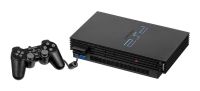
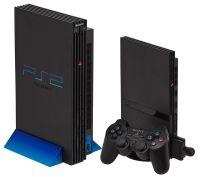
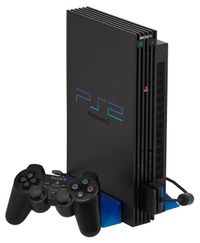
PS2 Controller: The Complete DualShock 2 and Accessories Guide
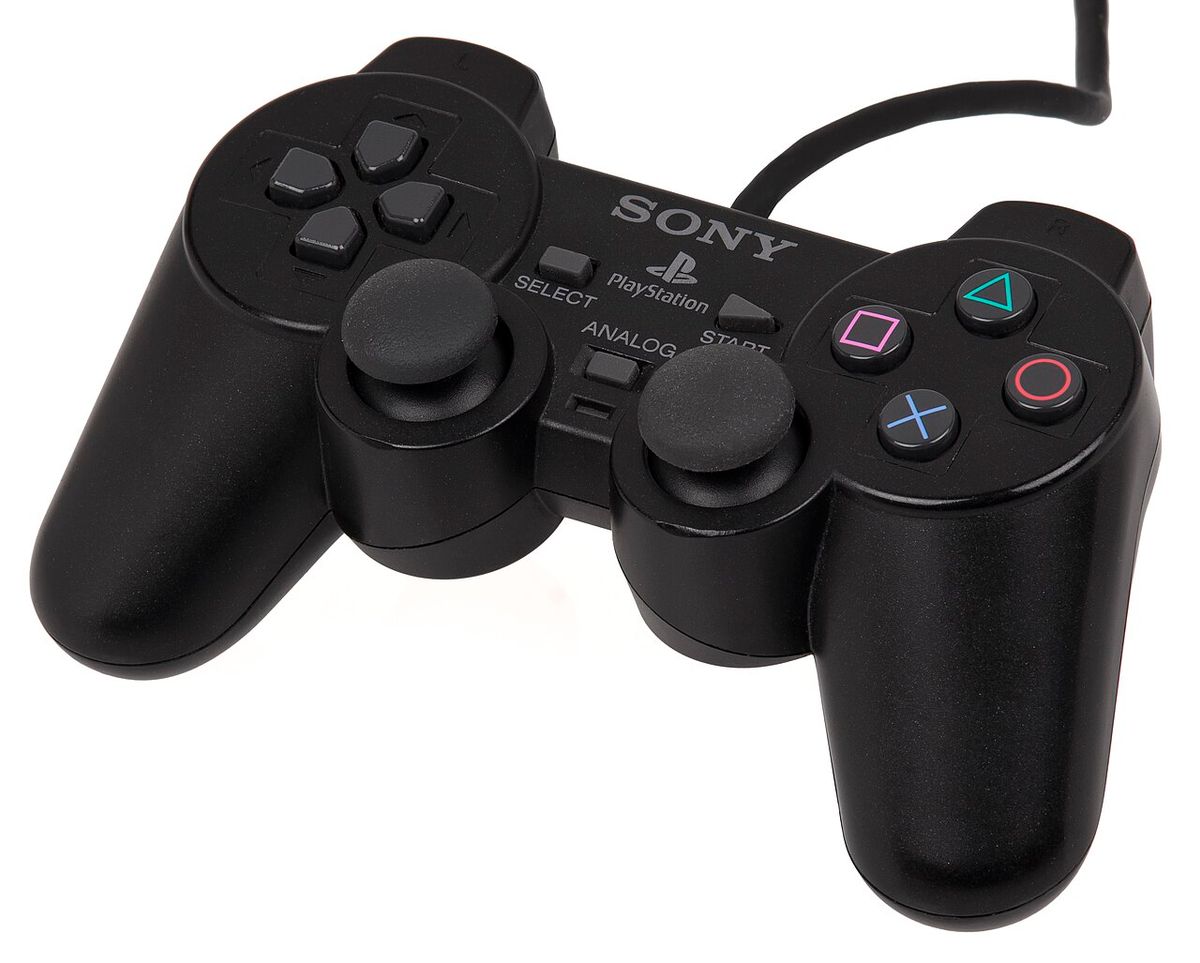
The DualShock 2 is one of the best controllers ever made — so good that Sony barely changed the formula for three more console generations. But the PS2's story isn't just one pad: it's pressure-sensitive buttons most people never knew existed, wireless controllers, EyeToy, guitars, microphones, dance mats and light guns. This is the complete guide to everything you can plug into a PS2 controller port.
The DualShock 2: Anatomy of a Classic
Sony shipped the DualShock 2 (SCPH-10010) with every PS2 from day one. Externally it's almost identical to the original PlayStation's DualShock — same shape, same stick placement, same two rumble motors — but inside it's a different controller: every face button, shoulder button and D-pad direction is analog, not digital.
- Layout: two analog sticks (both clickable — L3 and R3 debuted here), four face buttons (△ ○ ✕ □), four shoulder buttons (L1/L2, R1/R2), Start, Select, D-pad and an Analog mode LED.
- Rumble: dual motors, stronger and more nuanced than the PS1 original.
- Connection: the 9-pin proprietary PS2 controller port — two ports on the console, expandable to eight with the Multitap accessory.
- Compatibility: the DS2 also works on PS1 consoles, and most PS1-era controllers work on the PS2 (minus pressure sensitivity).
Pressure-Sensitive Buttons — The Feature Nobody Noticed
The DS2's secret weapon: each face button measures 256 levels of pressure, not just pressed/not-pressed. Developers used it more than people realise:
- Metal Gear Solid 2/3: how gently you hold ○ decides whether you interrogate, throat-grab or execute a guard.
- Gran Turismo 3/4: ✕ and □ act as analog throttle and brake.
- Zone of the Enders 2: sword strikes vary with pressure.
- The Bouncer, Mad Maestro!, Ace Combat and dozens more.
This is why the DS2 matters beyond nostalgia: a standard digital pad can't fully replicate these games. PCSX2 supports pressure emulation through real DS2s on adapters — see our emulator guide — or by mapping pressure to stick/rumble inputs.
Colours and Special Editions
Sony released the DS2 in a small rainbow: standard black, plus Satin Silver, Ocean Blue, Emerald, Crimson Red, Ceramic White (bundled with the white Slim), Lemon Yellow, and transparent "Crystal" variants in clear, blue and smoke grey. Transparent pads with visible rumble motors are the collector favourites; boxed colours like Ocean Blue command real money now.
Wireless on the PS2
Sony never made an official wireless PS2 pad — Bluetooth hadn't shipped in consoles yet — but third parties filled the gap:
- Logitech Cordless Action Controller: the one everyone remembers — 2.4GHz dongle, excellent battery life, pressure-sensitive buttons included. Still the best wireless DS2.
- Logitech Cordless Precision / Precision Controller: earlier budget wireless options.
- Generic infrared/radio pads: dime a dozen, usually dropped the analog buttons — avoid.
Beyond the Pad: PS2's Controller Zoo
The PS2's 4,000-game library spawned more input hardware than any console before or since:
- EyeToy: the 2003 USB camera that let you wave at games — years before Kinect. Sold over 10 million units.
- Guitar Hero / Rock Band controllers: the SG guitar and later Gibson-styled axes defined a genre.
- SingStar microphones: USB mic pairs that turned the PS2 into a karaoke machine — the discs still work on the Slim today.
- Buzz! buzzers: four-player quiz-show controllers with the big red plunger.
- Dance mats: DDR's cheap foam mats and the deluxe hard pads.
- Steering wheels: Logitech's Driving Force and the superb Driving Force Pro (900° rotation, made for Gran Turismo 4).
- Light guns: Namco's GunCon 2 for Time Crisis II/3 and Vampire Night — CRT-only, sadly, like all GunCon hardware.
- Multitap: the 4-port expander for 8-player games (mostly sports titles and Timesplitters 2).
Using a DualShock 2 on PC Today
Cheap PS2-to-USB adapters are everywhere and most work fine for emulation: they present the DS2 as a standard gamepad, and better adapters even pass through the pressure-sensitive buttons. On Windows there's no driver needed; in PCSX2 the pad just appears in the controller list. It's the most authentic way to play MGS3 or GT4 on PCSX2 — and the only way to get true analog buttons without buying a modern pad that has them (like the DualSense, which PCSX2 can also map).
Common Faults and Fixes
- Stuck or drifting sticks: the potentiometer wipers wear out — a shot of contact cleaner through the stick base often revives them.
- Unresponsive buttons: the conductive film under the buttons perishes or oils up; replacements cost pennies.
- Dead ribbon cables: the internal flex cable cracks near the fold — common on heavily used pads, cheap to replace.
- Analog button not responding in-game: press the Analog button — the red LED must be lit, or the pad runs in PS1-compatible digital mode.
Controller ports themselves are bulletproof, but if a port dies it's usually the fuse on the motherboard — our complete PS2 guide and FAQ cover repairs and what to check on second-hand consoles.